Digital Wedding Invitations: How to Choose Yours
Choose digital wedding invitations around your guests, not just the preview. Compare paper and online options, check readability, and plan a clear way to share the details and collect replies.
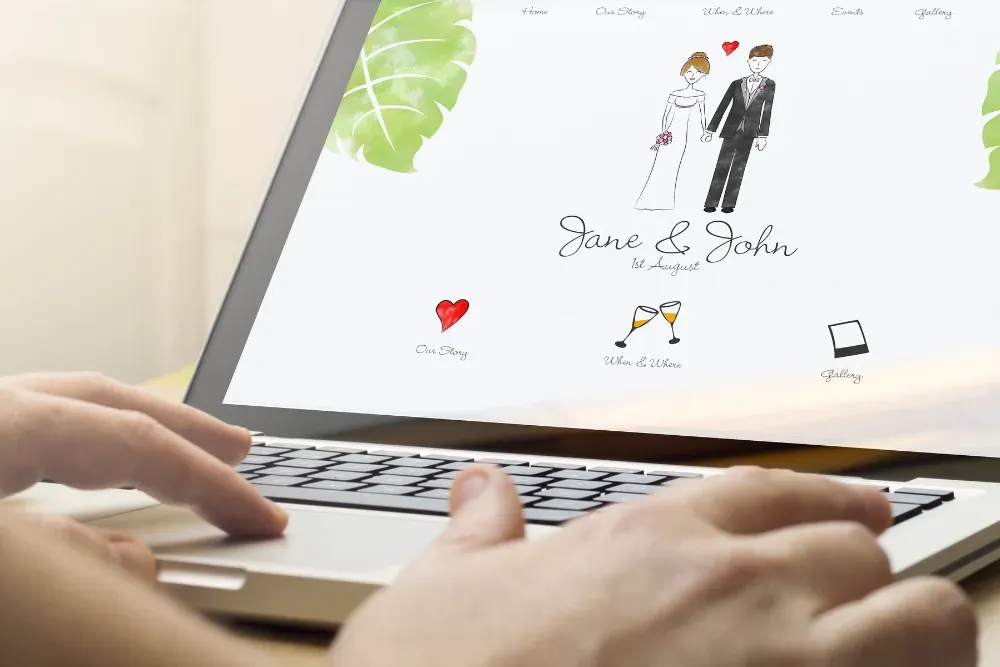
Digital wedding invitations should make two things clear: what your guests are invited to, and how they should reply. Before choosing a design, try the invitation as a guest would, on a phone and through the channel you plan to use for sharing it.
This guide focuses on online invitations that guests open through a link. Start with the people on your guest list, then compare the design, response process and practical arrangements around sending it.
Choose the format around your guests
Make a short note beside each household on your guest list: how you normally contact them, whether an invitation link is comfortable for them, and whether they might need another way to receive the details. You do not need every household to use the same format.
For example, you might send online invitations to friends you regularly message, give a printed invitation to a relative who prefers paper, and arrange a phone call with someone who would appreciate help responding. Decide who will record any replies received outside the online RSVP process so they are not counted twice.
Consider language and travel needs too. If guests are coming from different countries, write the month in words rather than relying on an all-numeric date. Use the venue's full address and distinguish the ceremony arrival time from any later reception time.
Compare digital invitations with paper
Choose the experience you want to give your guests, then compare the actual options available to you. Neither format has to be the right choice for every household.
- A physical keepsake: If holding and keeping an invitation matters to you or your family, include paper in your shortlist. You can still consider an online response process separately.
- How you reach guests: For a digital invitation, check which email address or messaging conversation you will use. For paper, check postal addresses and the delivery arrangements you would need.
- The response process: Try the complete RSVP journey for each option. A beautiful invitation and a clear way to reply are separate things to assess.
- The total commitment: Compare current quotes and what they include. Check any limits, optional purchases or ongoing charges before deciding; do not assume either format will cost less.
A mixed approach can work if you keep the essential details consistent. If one household receives paper and another receives a link, both should understand the same event times, invitation scope and response deadline.
What should guests need to open and use it?
For a link-based invitation, plan around a guest having a usable device, a way to open the link and an internet connection when they need it. Ask the invitation provider about any account, app or access requirements, then test those requirements yourself.
Open the actual guest experience rather than judging only an editor screenshot. If you are comparing providers, use their available guest previews and ask what differs between a preview and a real invitation.
Try these tasks before choosing:
- Find the couple's names, wedding date and venue without help.
- Identify which events the invitation covers and when to arrive.
- Locate the response instructions and deadline.
- Follow the response process far enough to understand what a guest must do. Submit only a designated test response or one the couple has agreed to remove.
- Work out how a guest would ask a question if something is unclear.
If you cannot explain the journey in a short message, simplify your invitation wording or reconsider the option. A design should support the details, not make guests search for them.
Choose a design you can comfortably read
Shortlist designs using your own names, a realistic venue address and the amount of wording your celebration needs. A layout that looks spacious with a short sample name may feel different once your details are added.
Check it on a phone
Review small text, contrast between text and background, and the spacing around links and controls. Try increasing text size or zooming. Check whether the essential details remain readable and whether the page is comfortable to move through.
Decorative lettering can be part of the design, but read the date, location and response instructions carefully. If you have to study those details, choose a simpler treatment where the provider offers one.
Check the experience with the people who will use it
Ask a trusted person to try a guest preview without coaching. If someone on your guest list uses assistive technology or has particular access needs, ask what would help and assess the actual invitation with them where possible. A visual check alone does not establish that a design is accessible.
Keep an alternative way to receive the details and respond. Treat that as part of planning the invitation, rather than waiting until a guest struggles.
Plan how you will share the invitation
Choose a contact channel you already use with each guest or household. Check the recipient before sending, and include a short personal message so they know what the link is for. Avoid placing an invitation link into a wider group simply because it is convenient.
Here is sample wording you can adapt:
We'd love you to join us for our wedding. Here is your invitation with the date, venue and response details: [invitation link]. Please reply by the date shown, and message us if you would prefer the details another way.
The bracketed text above is a placeholder for your own invitation, not an extra link to include in your finished message. Adjust the wording to make clear who in the household is invited; a shared message should not leave guests guessing about additional guests or children.
Before sending, ask the provider how invitation links and guest information are handled. Check any privacy or access options you need rather than assuming the invitation is private because you sent its link directly. This is a selection question, not a claim that every service offers the same controls.
Check the invitation and RSVP together
Read the invitation from start to finish with your partner or another trusted reviewer. Check names, the date written in words, venue addresses, event times and who is invited. Set a response deadline that fits the arrangements you have agreed with your venue or suppliers.
Then check the RSVP instructions against that wording. Guests should not have to infer whether they are replying for themselves or a household. Keep a contact option for anyone who needs clarification, and agree how you will record a reply received by phone or message.
For the next part of planning, read our guide to collecting wedding RSVPs online. It covers organising replies after you have chosen how to invite people.
Questions to settle before you choose
Can digital invitations suit a formal wedding?
Consider the wording, presentation and expectations of the people you are inviting. Discuss the choice with anyone whose traditions or preferences matter to your celebration. If paper is important to particular households, you can plan for that alongside digital invitations without treating either choice as a universal etiquette rule.
What if a guest does not use a smartphone?
Ask what works for them. They may prefer another device, a printed copy of the details or a phone call. Agree how they will respond and who will add their reply to your guest list. Do not make an unfamiliar device a condition of understanding the invitation.
Find your starting design
Belowen offers digital wedding invitations with RSVP. When you are ready to compare the look of your invitation, browse the Belowen templates. Shortlist a design you like, then use the guest and readability checks above to decide whether it suits your celebration.
Photo: Image supplied and reuse approved by Belowen. Illustrative wedding website; not a Belowen product screenshot. Original photographer not supplied.. Source · Reuse authorization.